By Des Grey – South Africas Music-First Atmos Mastering Engineer
South African producers are finally waking up to Dolby Atmos. Amapiano drops hit harder. Hip-hop vocals float above the beat. Apple Music playlists pay more.
But here’s the truth:
90% of first-time Atmos submissions get rejected — not for mix quality, but technical delivery errors.
I’ve seen it in my Johannesburg studio: talented artists lose weeks because their ADM files fail Universal or Warner specs.
This guide saves you that pain.
Mistake #1: Wrong Integrated Loudness (-18 LUFS Target)
The Problem
We are not used to headroom, most pre masters are running at around -9lufs 🙁
The Fix
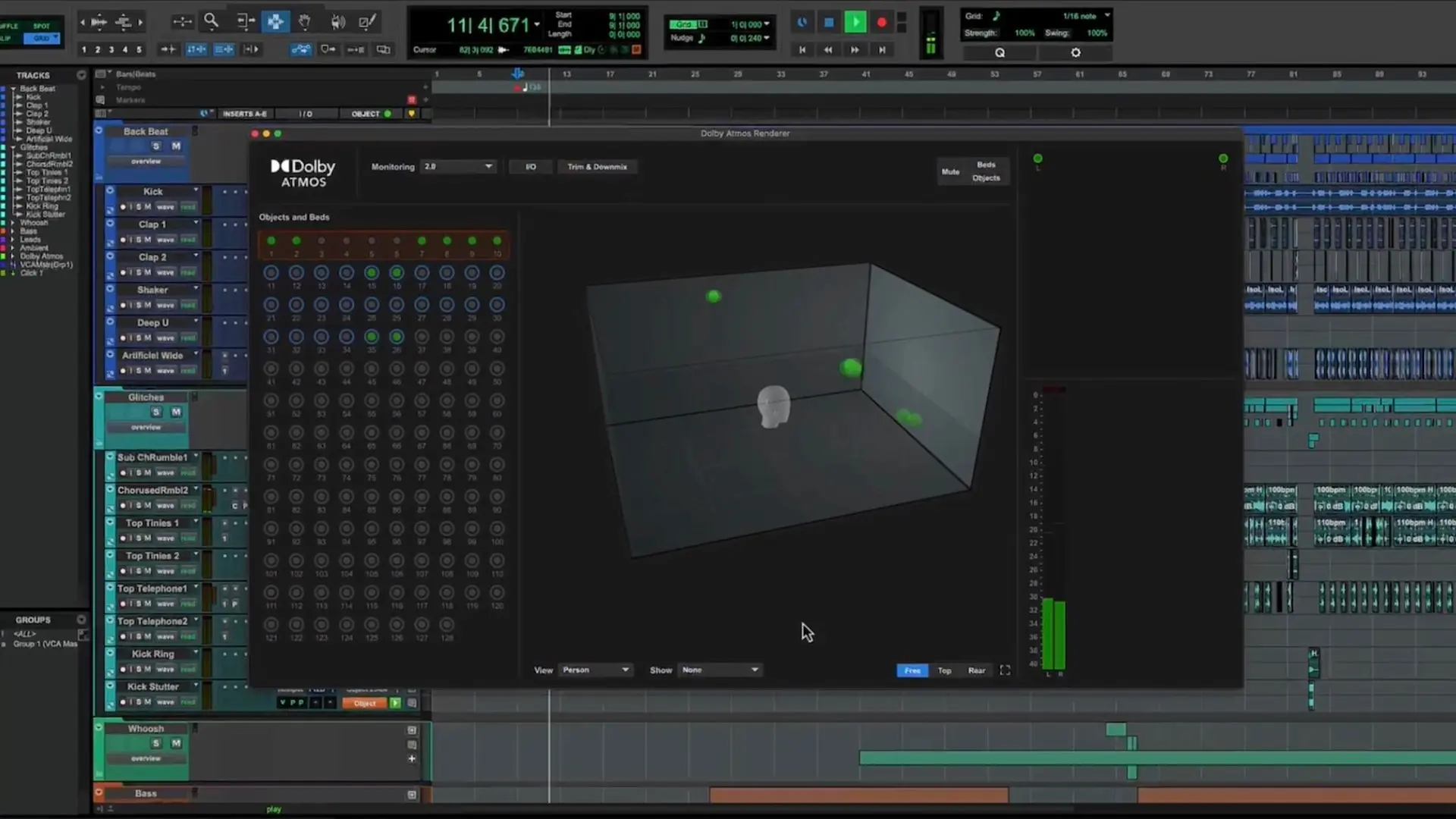
- Load your final ADM into Dolby Atmos Renderer
- Press Cmd + L (Mac) → Analyze Loudness
- Check Integrated LUFS
- Target: -18 LUFS (Universal standard)
Too hot? Lower the Output Trim in Renderer before export.
Mistake #2: True Peak Over -1 dBTP
The Problem
Your binaural preview sounds clean.
But true peak hits +0.9 dBTP → automatic rejection.
Why It Happens
Atmos metadata + downmix = inter-sample peaks in stereo.
The Fix
- In Renderer → Loudness Analysis
- Check True Peak column
- Never exceed -1.0 dBTP
- If over? → Lower master fader 0.5–1 dB in Pro Tools before re-rendering
I keep a -1.2 dBTP ceiling on all Johannesburg Atmos masters — zero rejections.
Mistake #3: Wrong Downmix Settings (Default = Disaster)
The Problem
You render with “Standard L/R” downmix.
Result?
- Height channels drop -3 dB in stereo
- Surround vocals vanish
- Label says: “Where’s the energy?”
The Fix
- In Renderer → Cmd + T → Trim & Downmix Controls
- Set 5.1 Downmix → Direct Render
- Switch to Manual Mode
- Set Surround and Height trim → 0 dB
This keeps your spatial mix intact when folded to stereo — no surprises.
Tags: Dolby Atmos Johannesburg, Atmos delivery mistakes, Apple Music spatial audio SA, Amapiano Atmos mastering